
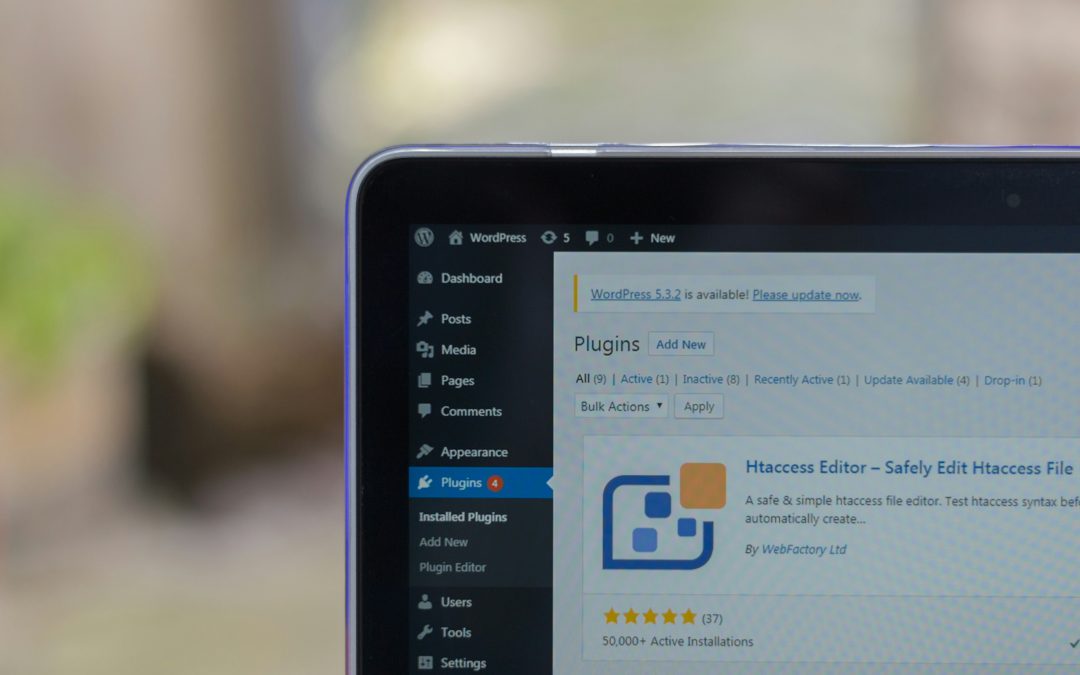
A recent dispute surrounding the WPForms Lite WordPress plugin has raised questions about how its setup process handles administrator access and third-party connections.
The controversy began after Sybre Waaijer, developer of The SEO Framework plugin, alleged that a recent version of WPForms Lite introduced functionality that could give the developer’s systems temporary administrative access to a website during the plugin’s setup process.
The claims have prompted discussion within the WordPress community about whether the behaviour should be described as a backdoor or simply as an unusual onboarding mechanism.
What Is the WPForms Lite Controversy?
WPForms Lite is a popular WordPress plugin that allows users to create forms and add them to their websites. It also includes a setup wizard designed to help new users configure the plugin and install additional features.
According to the allegations, a recent version of the plugin contains code within its setup wizard that generates a temporary token during the onboarding process.
The concern is that this token can allow WPForms’ online application to interact with the administrator’s WordPress site.
The alleged functionality can be used to install and activate certain plugins and obtain WPForms-related products from the developer’s servers.
This has led to claims that the plugin effectively creates a temporary alternative route to administrator-level functionality.
However, whether this qualifies as a traditional “backdoor” is open to debate.
What Counts as a Backdoor?
The National Institute of Standards and Technology (NIST) describes a backdoor as an undocumented method of gaining access to a computer system, noting that it can represent a potential security risk.
Critics of the WPForms implementation argue that the setup process is not sufficiently transparent about the access being granted.
However, others have pointed out that the functionality does not appear to allow the developer to access a website whenever it chooses.
The setup process still requires an administrator to initiate the relevant workflow. There is also no indication that the functionality bypasses the normal WordPress authentication system independently.
This distinction is important when considering whether the term “backdoor” accurately describes what is happening.
Testing the WPForms Lite Setup Process
To investigate the claims, the plugin was installed on a separate WordPress website.
After installation, WPForms Lite presented a setup wizard to configure the plugin.
What was particularly noticeable was that the onboarding process did not feel like a standard WordPress administration screen.
The setup wizard redirected the browser to a separate WPForms website while still appearing to be part of the installation process.
This could easily be overlooked by a user who assumes they are still working within their own WordPress dashboard.
The setup then presented several configuration options, including features related to AI form generation and privacy compliance.
Some options were already selected and could not be disabled during the process.
The setup also indicated that the free WPConsent plugin would be installed as part of the configuration.
Additional Plugins Were Installed
Following the setup process, several plugins appeared on the WordPress website.
These included:
- WPForms Lite
- WP Mail SMTP
- WPConsent
The experience raised questions about how clearly users are informed when additional software is going to be installed.
For someone simply expecting to configure a newly installed form plugin, automatically adding other plugins could come as a surprise.
The concern is therefore not necessarily that the additional plugins are malicious, but whether users have been given enough information and control during the installation process.
Why the Temporary Token Matters
The most significant technical concern raised by the original allegation involves the temporary authentication token.
According to the claims, the token is generated during the setup process and has a limited lifespan, reportedly expiring when setup is completed or after approximately one hour.
The purpose appears to be to allow the WPForms web application to communicate with the WordPress installation and carry out actions required by the onboarding process.
This could include installing additional plugins or importing information when moving from another form solution.
Temporary authentication mechanisms are not unusual in software, particularly when a plugin needs to connect a WordPress website to an external service.
The question is whether users understand that this connection is being established and what permissions are being granted.
Is It Actually a Backdoor?
Based on the behaviour observed during testing, describing the feature as a conventional backdoor may be an oversimplification.
A traditional backdoor would generally provide an unauthorised or hidden route into a system that bypasses normal authentication or security controls.
The WPForms functionality appears to work differently. The administrator has to begin the setup process, after which the temporary connection is established.
There is also no clear evidence from the test that the developer can simply access the website independently whenever it wants.
However, that does not mean the implementation cannot raise legitimate security or transparency concerns.
For users, one of the more unusual aspects is being transferred away from their own WordPress dashboard without an especially prominent explanation of what is happening behind the scenes.
Transparency Is the Bigger Question
The controversy highlights an important issue for WordPress plugin developers: users should understand when a plugin is connecting to an external service or making changes to their website.
Even where the functionality has a legitimate purpose, unexpected redirects, automatic plugin installations and temporary administrator-level access can understandably make users uncomfortable.
Clear explanations and explicit consent could help prevent confusion.
The incident also demonstrates why website owners should pay attention to what happens during plugin installation rather than automatically clicking through setup wizards.
What Should WPForms Users Do?
There is currently an important distinction between an allegation of a “backdoor” and confirmed evidence of malicious behaviour.
The reported functionality appears to have a purpose connected to the WPForms onboarding process rather than providing an unrestricted route for the developer to take control of a website.
Nevertheless, users who are uncomfortable with the behaviour can review the plugins installed on their websites and remove anything they do not need.
Administrators should also keep WordPress, plugins and themes updated and avoid installing software from untrusted sources.
Most importantly, plugin users should pay attention to setup screens, external redirects and permissions rather than assuming every step is simply part of the standard WordPress installation process.
The WPForms Lite controversy ultimately raises a wider question about how much control WordPress plugin developers should have during onboarding – and how clearly that control should be explained to website owners.
More Digital Marketing BLOGS here:
Local SEO 2024 – How To Get More Local Business Calls
3 Strategies To Grow Your Business
Is Google Effective for Lead Generation?
How To Get More Customers On Facebook Without Spending Money
How Do I Get Clients Fast On Facebook?
How Do You Use Retargeting In Marketing?
How To Get Clients From Facebook Groups